Print Explained – What Do I Need to Remember Before Sending Out Print Communications to Customers?
Summary
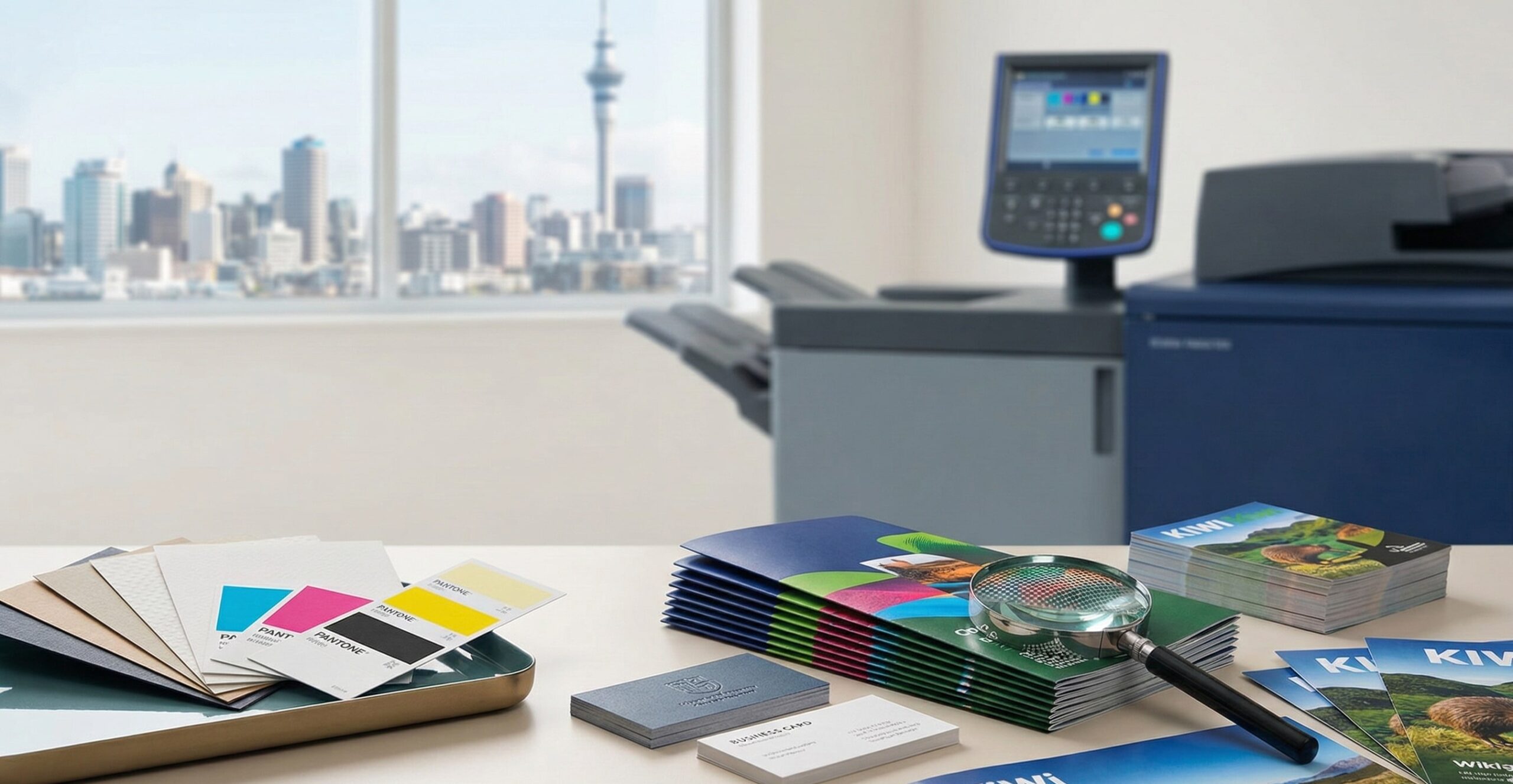
Even in today’s digital-first world, print communication remains one of the most effective and trusted ways for New Zealand businesses to connect with their customers. From professionally printed brochures in Auckland offices to flyers distributed at community events, print delivers a tangible, credible, and memorable brand experience.
However, successful printing is not just about having a good-looking design. The real results come from careful preparation before your files go to print. Essential preparation steps include selecting the correct file format, ensuring high-resolution images, and thoroughly proofreading the content. Getting these details right helps avoid costly mistakes, protects your brand reputation, and ensures your materials reflect the professionalism your customers expect. That’s why working with a trusted local printer like Fivestar Print in Onehunga, Auckland can make all the difference.
By following proven printing best practices and expert professional printing tips, you can ensure your print communications are high-quality, cost-effective, and impactful.
Understanding Your Print Communication Goals
Know Your Audience and Clarify Your Message
Before designing or printing anything, it’s essential to understand who you are talking to and what action you want them to take. New Zealand customers value clarity, honesty, and relevance. Whether your audience is local households, corporate clients, or retail customers, your message should be simple, direct, and purposeful.
Experienced print partners like Fivestar Print in Onehunga, Auckland, often help businesses refine their messaging to suit both the format and the target audience. They offer design consultation and technical advice to enhance communication effectiveness. While they do not provide complete copywriting services, their guidance ensures that the content aligns with both business goals and audience expectations.
Choose the Right Print Format
Different messages require different print solutions:
- Flyers for promotions, offers, and events
- Brochures for detailed service or product information
- Business cards for networking and brand recall
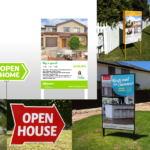
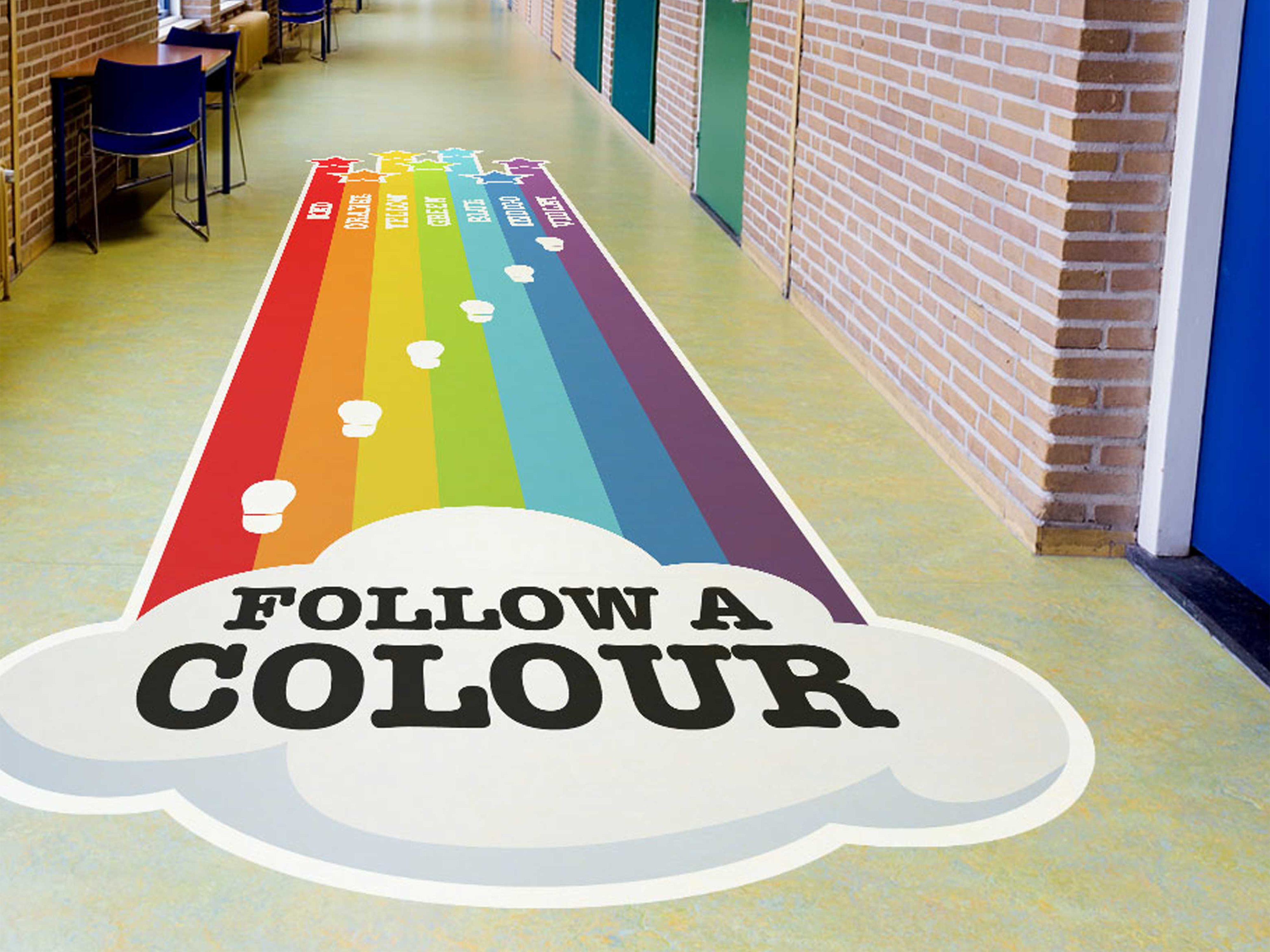
- Banners and signage for exhibitions, retail, and outdoor use
Choosing the correct format improves engagement and avoids unnecessary printing costs.
Stay Consistent with Your Brand Identity
Your print communication should align seamlessly with your brand. Consistent colours, fonts, logos, and layout build recognition and trust. A professional printing company like Fivestar Print in Auckland ensures your brand colours and design elements are reproduced accurately across all materials.
Key Factors to Consider Before Sending Files for Print
File Preparation Best Practices
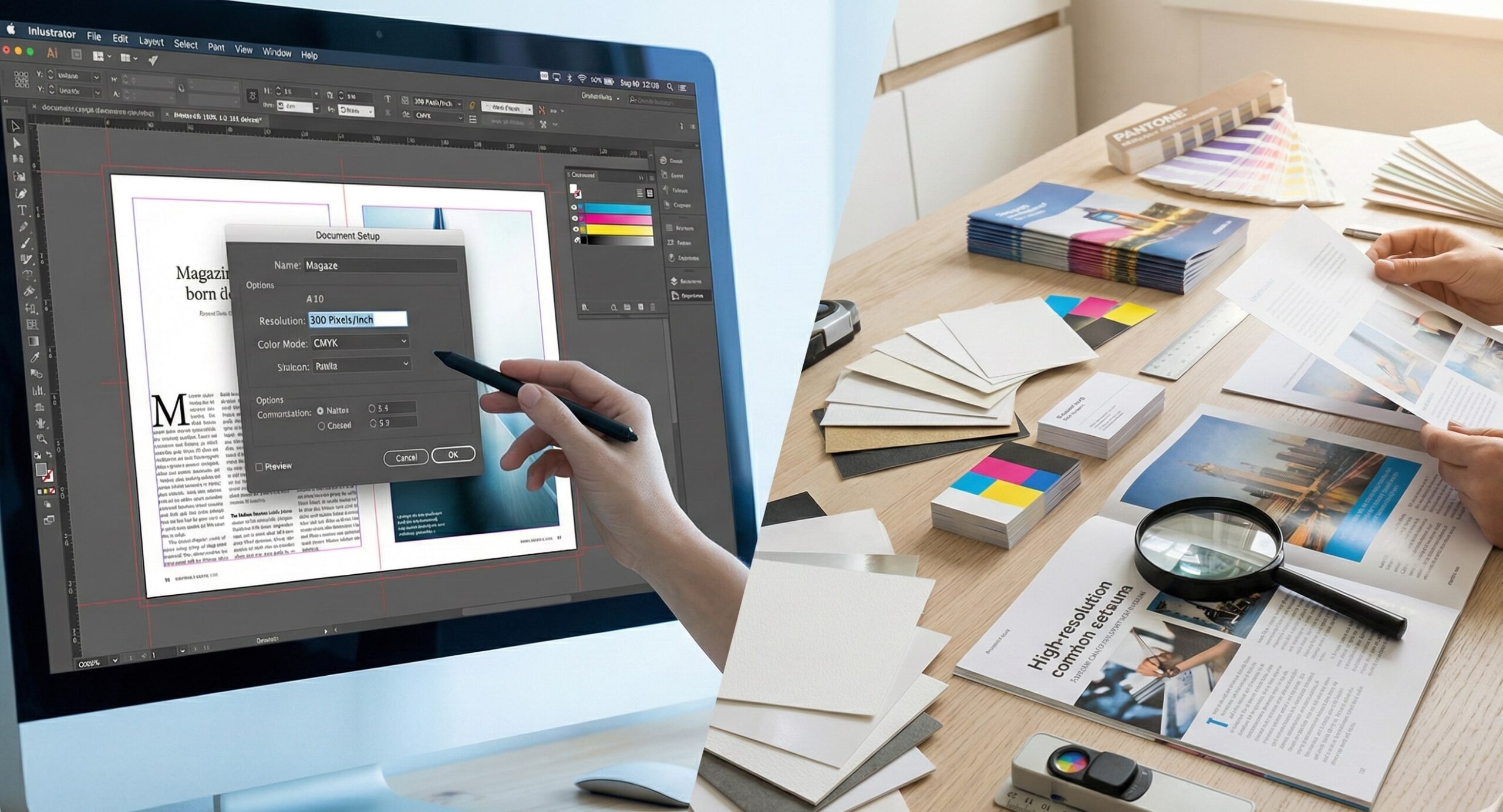
Correct file setup is one of the most critical printing best practices and can prevent many common issues.
Resolution & Image Quality
All images must be at least 300 DPI at their final print size. Low-resolution images may appear sharp on screen but will look blurry or pixelated when printed. At Fivestar Print, Onehunga, files are carefully checked to ensure image quality meets professional standards.
Bleed & Margins
A 3mm bleed is standard in New Zealand printing. Bleed ensures colours and images extend past the trim edge, preventing white lines after cutting. Keep all important text and logos safely within the margins.
Colour Mode – CMYK
Design files should always be converted to CMYK, not RGB. CMYK is specifically designed for printing and ensures colours appear as expected. Trusted printers like Fivestar Print Auckland can also provide colour guidance to achieve the best possible result.
Choosing the Right Paper Stock & Finish
Paper choice significantly impacts the look, feel, and durability of your print communication.
Paper Types
- Glossy paper: Bright, vibrant colours – ideal for marketing and promotional materials
- Matte paper: Elegant, glare-free finish – perfect for corporate documents
- Coated paper: Enhanced colour depth and smoothness
- Uncoated paper: Natural, tactile feel, often used for eco-friendly branding
Fivestar Print, Onehunga, Auckland, offers a wide range of paper stocks to suit different business needs. This includes recycled paper for eco-friendly brands, textured paper for a distinct feel, and specialty paper with metallic or pearlescent finishes for unique, premium presentations. By offering various options, businesses can select a paper stock that aligns perfectly with their branding and communication goals.
Paper Weight (GSM)
GSM refers to paper thickness:
- Lower GSM for flyers and inserts
- Medium to high GSM for brochures
- High GSM for business cards and premium covers
Choosing the right GSM improves durability and perceived quality.
Finishing Options
Professional finishes add value and longevity:
- Lamination (gloss or matte) for protection
- Spot UV to highlight logos or images
- Embossing or debossing for a premium tactile effect
These finishing options are expertly handled by Fivestar Print Auckland, ensuring a flawless result.
Proofing & Quality Checks
Skipping proofing is one of the most common and costly mistakes in print communication.
- Spell check and grammar check all text.
- Review a print proof before full production.
- Check typography for readability and correct font embedding.
Professional printing tips always recommend reviewing a proof—something Fivestar Print, Onehunga strongly encourages for every project.
Choosing the Right Print Partner in New Zealand
Working with a trusted, local printing company is essential. A New Zealand-based printer understands local standards, turnaround expectations, and sustainability requirements. Typically, standard print jobs can be completed in 3-5 business days, but it’s advisable to confirm this with your printer to set realistic timelines for campaign planning and delivery. When choosing a print provider, look for:
- Consistent print quality samples, Reliable turnaround times, and delivery
- Access to eco-friendly printing options, Expert advice, and responsive customer service
Fivestar Print, Onehunga, Auckland, is a trusted name for businesses seeking reliable, high-quality print communication across New Zealand.
Cost-Effective Printing Tips
Thoughtful planning can significantly reduce printing costs:
- Print in bulk to lower unit costs
- Choose standard sizes to reduce setup and paper waste.
- Use double-sided printing where possible.
Discussing your project early with Fivestar Print Auckland can help identify the most cost-effective approach without compromising quality.
Sustainability in Print Communications
Sustainability is increasingly important for New Zealand businesses.
Consider:
- Recycled paper stocks
- Eco-friendly inks
- Targeted print distribution
- Carbon-neutral printing services
Fivestar Print, Onehunga, Auckland, offers sustainable printing solutions aligned with environmentally responsible business practices. They are FSC certified, ensuring that their materials come from responsibly managed forests, and follow ISO 14001 standards for environmental management. By incorporating eco-friendly practices such as using water-based inks and recycling production waste, Fivestar Print reassures clients of their commitment to sustainability.
Final Checklist Before Sending Print Files
Before sending your files to Fivestar Print or any professional printer, check:
- Is the file a PDF with embedded fonts?
- Is the colour mode set to CMYK?
- Have you applied the correct 3mm bleed and margins?
- Have you proofread all content thoroughly?
- Are images 300 DPI or higher?
- Have you approved a print proof?
Conclusion
High-quality print communication starts with preparation. By following established printing best practices and trusted professional printing tips, you protect your brand, save money, and achieve outstanding results. From file setup to paper selection and finishing, every step matters.
Partnering with a reliable, local expert like Fivestar Print, Onehunga, Auckland, ensures your print materials meet the highest professional standards.